 Server Wrapped
An animated recap that plays in the chat.
A recap only works if people see it. Server Wrapped posts a GIF that plays right in your channel: no links to click, no dashboard to open. One command.
Make a recap in one command
- Type
/wrapped. - Pick This week or This month.
- Tap Server. Bowbit makes the GIF and posts it.
Members react, reply and tap Save to get their own copy in DMs.
Made for phones and big screens
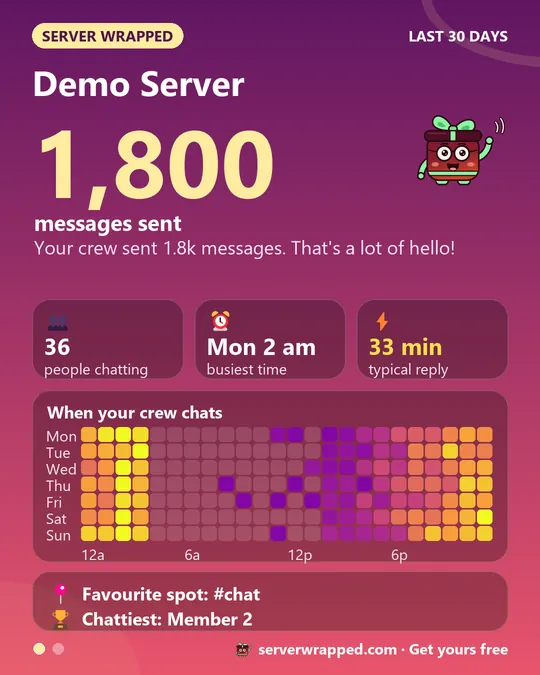
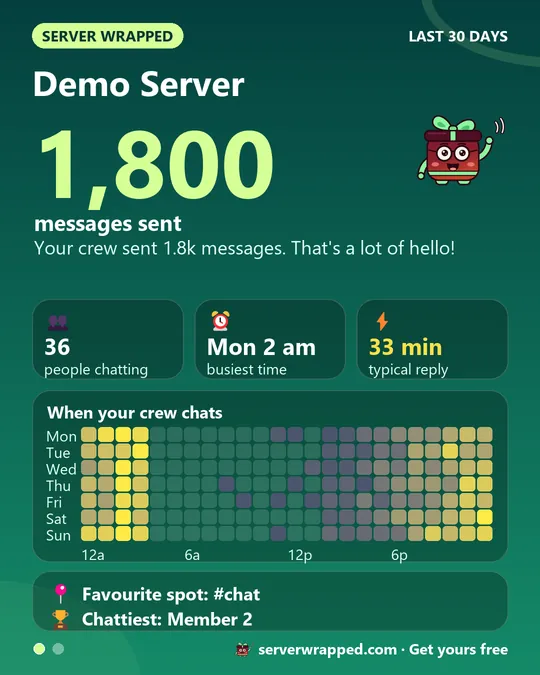
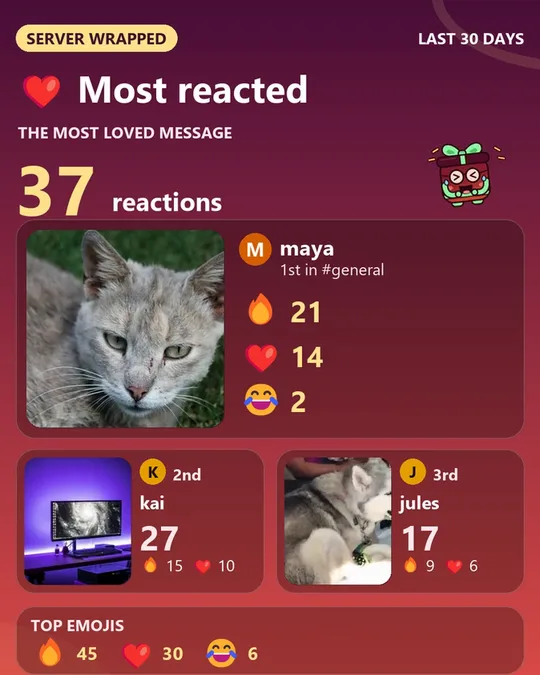
Stories come tall for phones or wide for screens, in six themes or Auto to match your server icon. Every card is drawn fresh from your channels.
Tidy by default
Posted GIFs auto-delete after 7 days so nothing hangs around. Admins can tap Keep to leave one in the channel. Every GIF shows serverwrapped.com in its footer, so forwarded copies lead back here.
Want it every week without typing anything? Automatic posts come with Pro (coming soon).
Quick answers
How do I make a recap GIF of my Discord server?
Add Server Wrapped, type /wrapped, pick This week or This month and tap Server. The animated GIF posts in the channel.
Can the recap post automatically every week?
Automatic daily, weekly, monthly or yearly posts are part of Pro, which is coming soon. For now, an admin runs /wrapped any time.
Why does the GIF disappear?
Posted GIFs auto-delete after 7 days. Tap Save for your own copy, or an admin can tap Keep.
More: the 2-minute guide, Privacy Policy, or ask in the support server.
