 Server Wrapped
Your first Wrapped in 2 minutes.
There are only two commands. /wrapped makes the GIFs. /wrapped-setup is a short wizard for admins. That's it.
Add it, run the wizard, done.
-
0
Add the bot
Click Add to Discord, pick your server, press Authorize. It asks only for the basics. No Administrator.
Want the least access? Use the Privacy-max install: it skips View Channels and Read Message History, so Bowbit only reads channels @everyone can already see. You need "Manage Server" on that server to add a bot.
Then type /wrapped-setup. The wizard has 6 quick steps:
-
1
Pick channels
Choose which channels Bowbit may read. Public channels are ticked for you. Private and admin channels stay off unless you tick them.
Private channels never show on public cards, even if you tick them. -
2
Check access
Bowbit tests every picked channel and tells you if he can't see one, and how to fix it.
The usual fix: give the Server Wrapped role "View Channel" and "Read Message History" there. -
3
Who can use what
Everyone can make their own Me card and tap Leave me out. Only admins, or a Wrapped Manager role you pick, can make the whole-server story and use More dates.
-
4
Pick a theme
Six colour themes, or Auto to match your server icon.
Step 4 of 6: Theme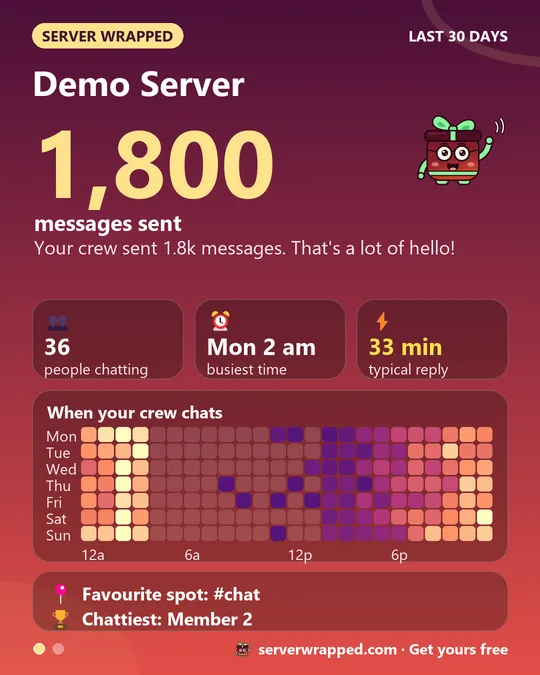
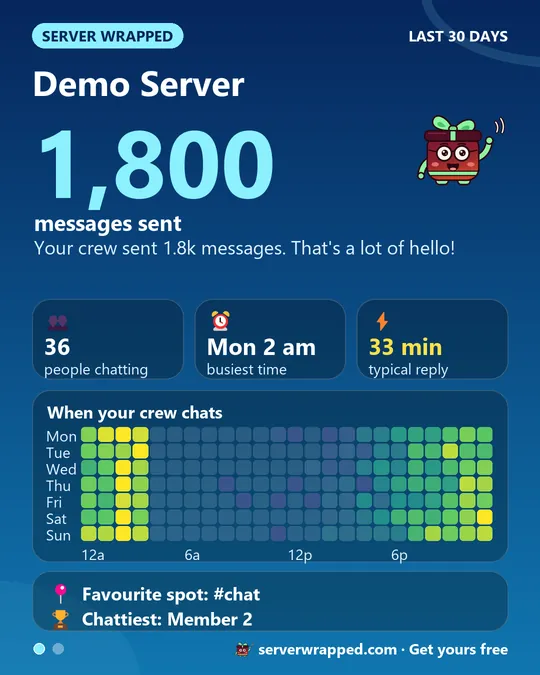
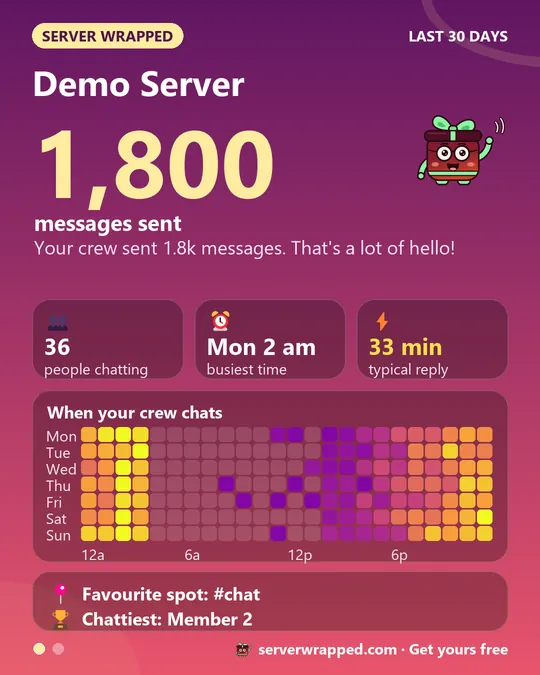 AutoNext
 -
5
Auto posts (later update)
Automatic posts are coming in a later update. For now, tap Skip: admins make a Wrapped any time with
/wrapped. -
6
Done: make your first Wrapped
Type
The GIF disappears after 7 days. Save sends you your own copy; admins can tap Keep to leave it in the channel./wrapped, pick a time range (Today, This week, This month), tap Server. Bowbit makes the GIF and posts it. Then he burns the data.
Changed your mind? Run /wrapped-setup again any time. Data/privacy in the wizard shows what is kept (only these settings) and who has left themselves out.
Type /wrapped. Tap a button.
-
Me
See your own Wrapped
Type
Tap 👀 What Bowbit reads to see exactly which channels are counted, or How it works for the short version./wrapped, tap Today, This week or This month, then Me. You get your personal card: how much you chatted, your busiest hour, your awards. Only you can see it.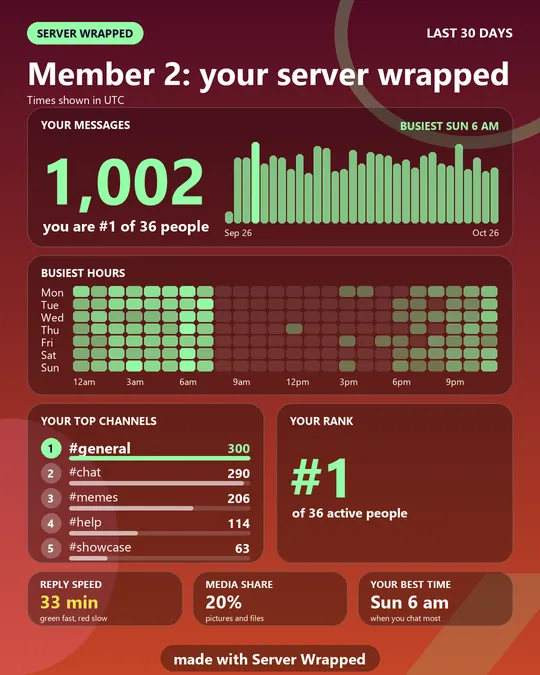
-
Out
Leave me out
Don't want to be on the cards? Type
/wrappedand tap Leave me out. Bowbit skips you on every future card in this server. Tap it again to come back./wrapped Server Wrapped APP
Only you can see this
Nothing stored. Really.
- Read, make, burnBowbit reads only the channels you pick, makes the GIF, then burns the data.
- Gone after 7 daysPosted GIFs auto-delete after 7 days. Save sends you a copy; admins can Keep a post.
- Private stays privatePrivate channels are only read if an admin picks them, and never show on public cards.
The only thing kept is your server's settings. Full details: Privacy Policy.
Stuck?
I typed /wrapped but there's no Server button.
Server and More dates are for admins and the Wrapped Manager role. Ask an admin, or ask them to give you that role.
The card says "not enough data".
The picked channels were quiet in that time range. Pick a longer range, or tick more channels in /wrapped-setup.
A channel is missing from my card.
Run /wrapped-setup and use Check access. Bowbit will say which permission he is missing.
My GIF disappeared.
GIFs auto-delete after 7 days so nothing hangs around. (Every GIF shows serverwrapped.com in its footer and on its end card, so forwarded copies still lead back to us.) Tap Save on the next one and Bowbit sends you a copy in DMs, or an admin can tap Keep.
Which channels are counted?
Type /wrapped and tap 👀 What Bowbit reads. Every card also says "Counting N channels".
Where's the Topics card?
Topics needs Discord's Message Content access. Until Discord approves it, the card says "coming soon".
Is it free?
Yes. Server Wrapped is free to add and use. No card, no trial.
Still stuck? Ask in the support server.